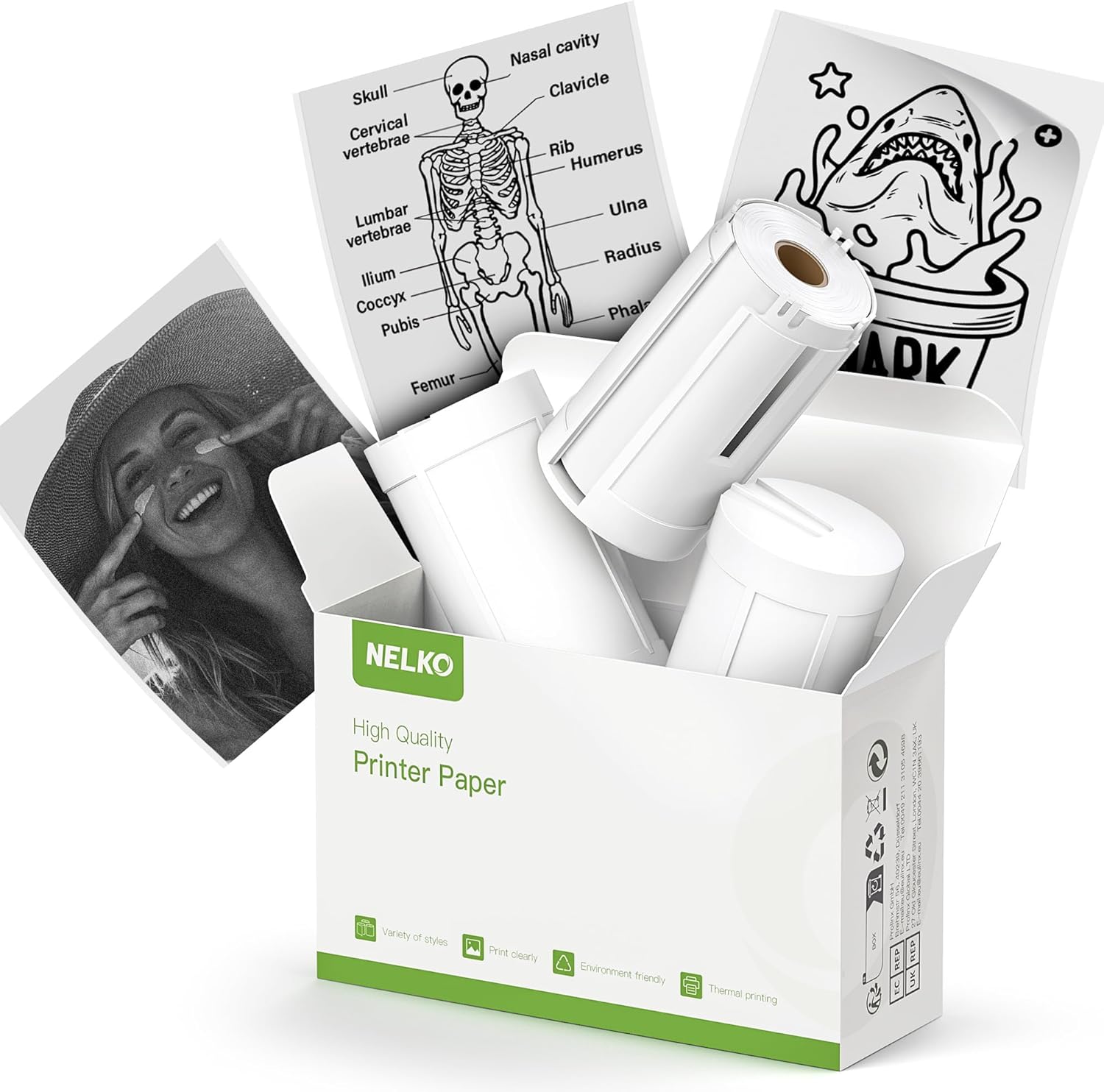
Nelko Genuine Self-Adhesive Thermal Printer Stickers, Compatible with PM230 Mini Sticker Printer, Black on White, 54mmx3.5m Mini Sticker Printer Paper for Journal, Study, Photos, Note, 3 Rolls, White - Testmarket Special Deals
Deals Trends Proviews Blog
Company
Are you a Seller?
Login Sign up
Nelko Genuine Self-Adhesive Thermal Printer Sticke...

Nelko Genuine Self-Adhesive Thermal Printer Stickers, Compatible with PM230 Mini Sticker Printer, Black on White, 54mmx3.5m Mini Sticker Printer Paper for Journal, Study, Photos, Note, 3 Rolls, White

$11.49 $21.99 48%
Thermal Printshop

Thermal Printshop

danger
briefcase

Business Name: dongguanshiyixueduomaoyiyouxiangongsi

location

Business Address: 虎门镇, 东方中下四巷5号303房, 东莞市, 广东, 523905, CN

buildings

Business Size: Micro

Product Details
  • Product Package: Nelko white adhesive sticker thermal paper, 3 rolls of 54mmx3.5m thermal printer paper in the package. Compatible with Nelko PM230 mini thermal printer. Keep away from sunlight , humidity and reduce friction
  • BPA-Free & Safe: Nelko thermal sticker paper is BPA-Free, Strong Adhesion and Slight Waterproofing. Print clearly and not fade for a long time. Never worry that your stickers maybe fall off, can print the photo as you like and use it to decorate the room or the DIY craft
  • Great Compatibility: This white adhesive sticker thermal paper is suitable for Nelko PM230 portable mini mobile thermal printer. The printing side faces out during use in PM230 machine. Can only print black and white colors. Nelko PM230 pocket printer paper is suitable for DIY creation
  • Widely Use: Use with PM230 thermal printer. You can finish your DIY creation, work plan, memo, meeting notes, study notes, shopping list through Nelko APP. Great for plan memo, “TO DO” list, gift card material, room decoration and anything else you would like to print. Bringing fun to your work and life!
  • Precautions for Use: Step 1: Peel off the green sticker on the paper roll. Step 2: Turn the paper roll into a paper roll with the black line facing upwards, align both sides with the paper bin slot, and load it in. Step 3: Ensure that the printing side of the paper is facing upwards and leave 1-2mm outside the printer. Step 4: Close the paper box. The specific operation steps can be found in the operation video on the detailed information page.
Promotions
Deals Promotions Deals Promotions Deals Promotions
Promote Your Deals

Coupons, and Products on our website now.

apply now
Deals Promotions Deals Promotions
Explore Products

Coupons, and Products on our website now.

apply now
go top icon

Cookies Policy

We use cookies to improve your browsing experience on our website. By continuing to use this site, you agree to our use of cookies.

Privacy Policy