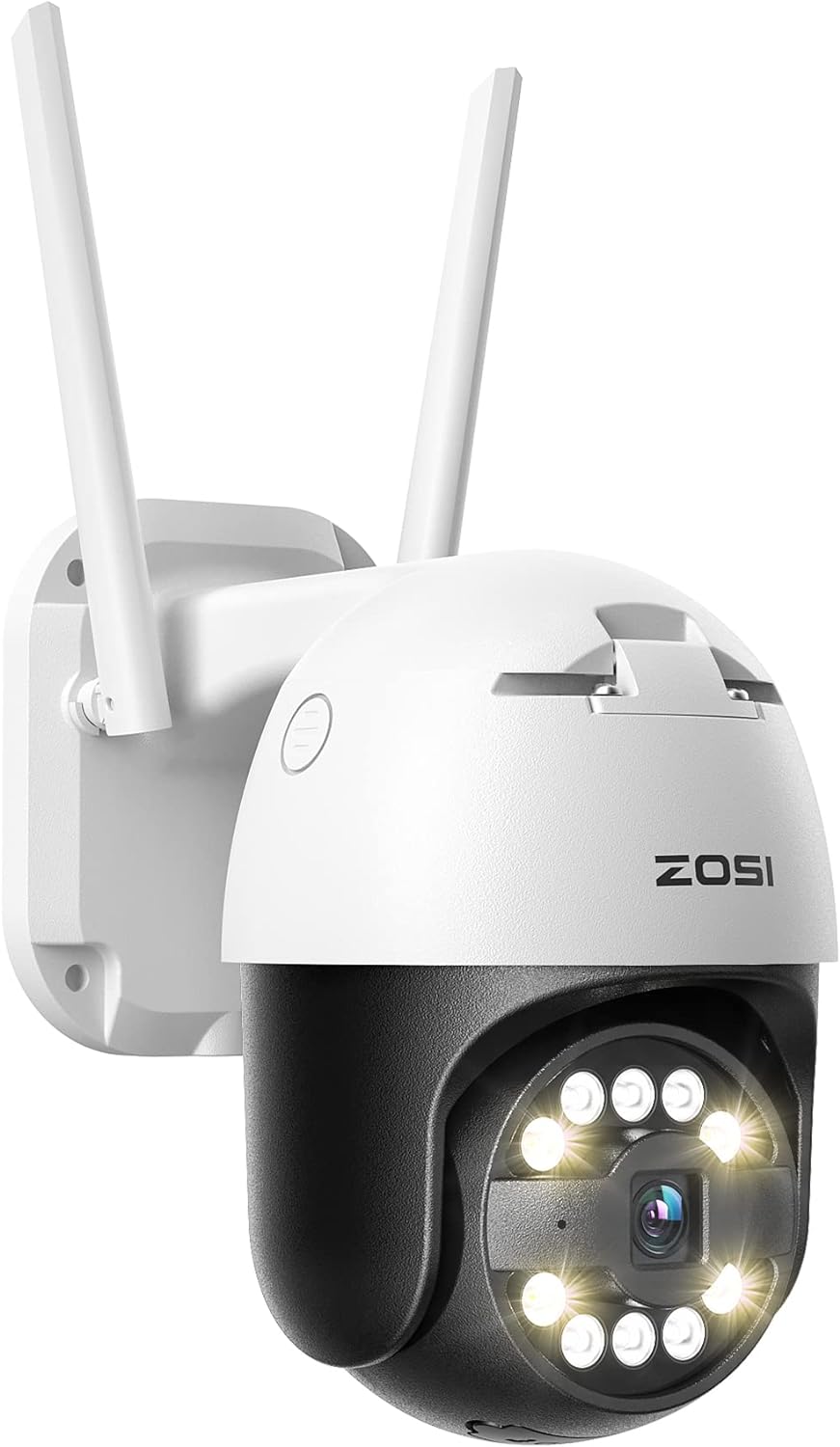
- 5MP Super HD and Color Night Vision: This outdoor wireless security camera features a high-resolution image quality and is equipped with a starlight sensor, allowing it to capture incredibly clear and detailed images, even in low light conditions. It also has three-night vision modes, including an optional full-color night vision mode that provides vivid and colorful images at night.
- Pan/Tilt Functionality with Auto Tracking: ZOSI outdoor WIFI security camera offers Pan/Tilt functionality, it can rotate 355° horizontally and 140° vertically, covering a wide area and leaving no blind spots. It also supports automatic tracking, where the camera can lock on and track moving objects, providing comprehensive surveillance coverage of your surroundings. 💥
NVR needs to be upgraded to version 2.0.8 to support auto human tracking. - Accurate Person and Vehicle Detection: The outdoor wireless CCTV camera can accurately detect persons and vehicles, reducing false alarms from animals, insects, and leaves.When motion is detected, the camera can trigger a sound and light alarm to alert you and deter intruders or unwanted visitors.You'll also receive instant App push notifications and email alerts with screenshot at the same time.
- AI Algorithm Store: Thanks to ZOSI C296 PT WIFI Camera's cutting-edge AI algorithm, you can customize this WiFi IP camera to detect humans, vehicles, pets, and packages for accurate and smart notifications, simply select the object detection mode you need on ZOSI Smart APP. This provides flexibility to adapt to your specific security needs.
- Custom Voice Alarm: The ZOSI Smart App allows you to record your own custom voice alarm and set the time range and detection zone. When someone enters the specified detection zone during the set time range, the wireless camera will detect the person and play your pre-recorded voice alarm, which can be used to drive away potential intruders or welcome visitors.
- 【Note】The power connection for this WiFi camera is wired, while the internet connection is wireless. To power the camera, you simply need to use the power adapter included in the package and plug it into a socket for a reliable power supply. For establishing the internet connection, all you have to do is follow the steps provided on the accompanying app to connect this camera to your home wifi.