- ✏ [2-in-1 Button, Upgraded Stylus] :The upper half of the button is used as the right mouse button. Press the lower half to quickly erase your mistakes.
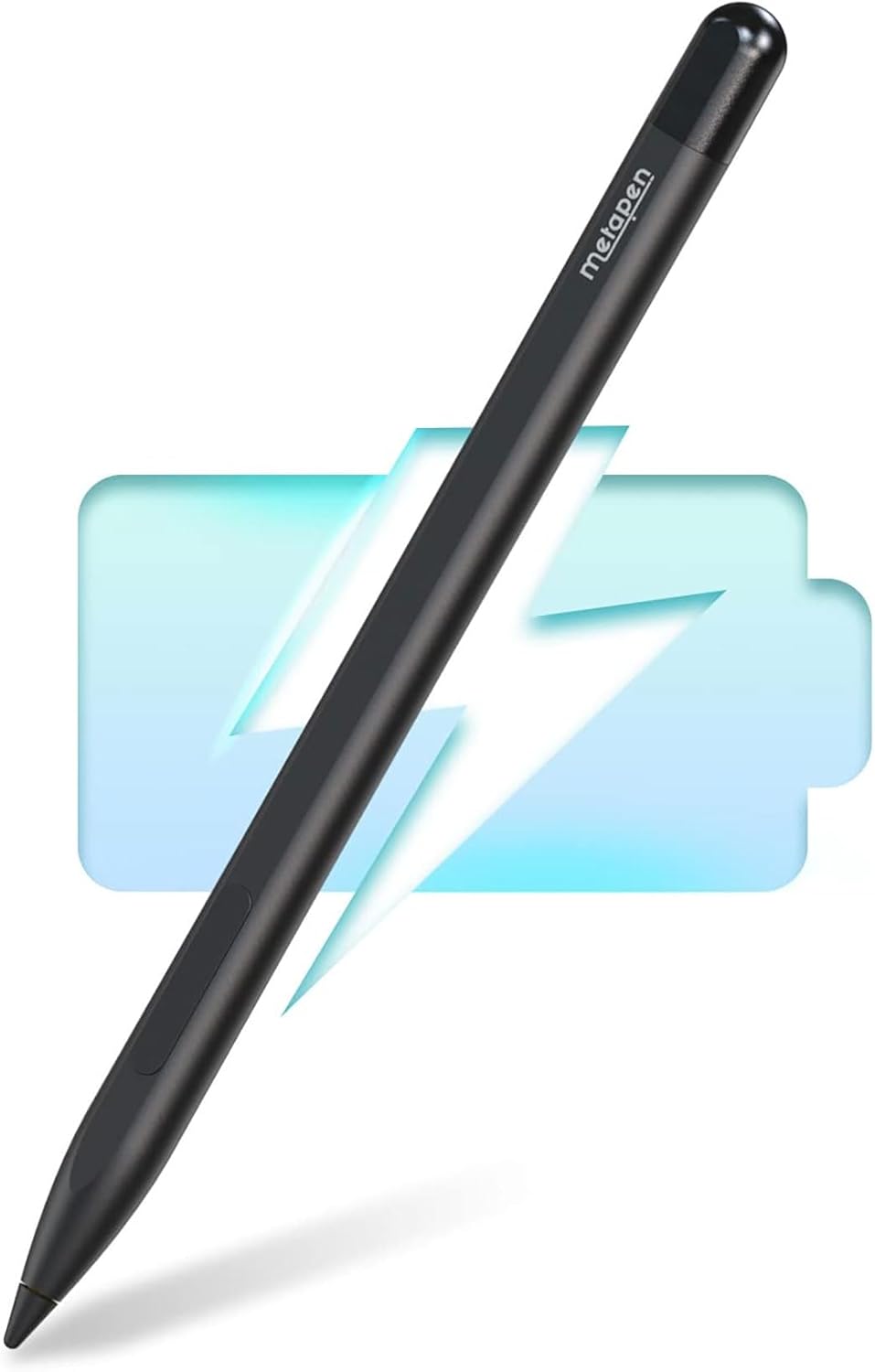
- ✏ [Fast Charge & Longer Standby]: Fully charged within 40 minutes for 300 hours of continuous work. Automatically switches to sleep mode if 5 minutes of inactivity. No need for Bluetooth or APP, just pick up and use. (*Please charge M1 for 10 minutes before first use)
- ✏ [Advanced Conelike Tip & Premium Feel]: Differ from the old-fashioned styluses with tubular tips, Metapen M1 enjoys a cone tip for a strong signal and a more streamlined design on the whole. Besides, aluminum-alloy seamless body with a flat surface on both sides makes it more comfortable to grip and more likely to stay on the desk.
- ✏ [High Precision & Palm Rejection]: With 1024 pressure points, Metapen Surface pen M1 responds instantly to the lightest touch, no latency, helps you to draw and shade with extreme precision. Palm rejection technology allows you to put your palm o fingers without gloves on the screen during sketching, drawing and writing.
- ✏ [Double Magnets]: The Metapen M1's magnet design is widely compatible with Microsoft Surface tablets that support magnetic attachment. [Support Magnet Attach Model List] -- Surface Pro 3/4/5/6/7/8, Surface Book/Bk 2/BK 3, Surface 3, Surface Go/Go 2/3. (Note: wireless charging is not supported).
- ❤【Make Sure Your Model is Compatible】: Officially authorised by Mirosoft. M1 with MPP1.51 protocol supports most Microsoft devices and some models from Kobo, HP, ASUS, DELL, SONY. Contact us with the model if you are not sure about the compatibility.【Model List】 Surface Pro 3-9/X/10 for business/11, Book/Bk 2/BK 3, Laptop/Laptop 2/3/4/5/6 for business, Surface 3, Surface Go/Go 2/3, Surface Studio/Studio 2/Studio 2+, Surface Duo/Duo2; Kobo Libra Colour, HP Envy; ASUS Vivobook; Dell Inspiron, etc.