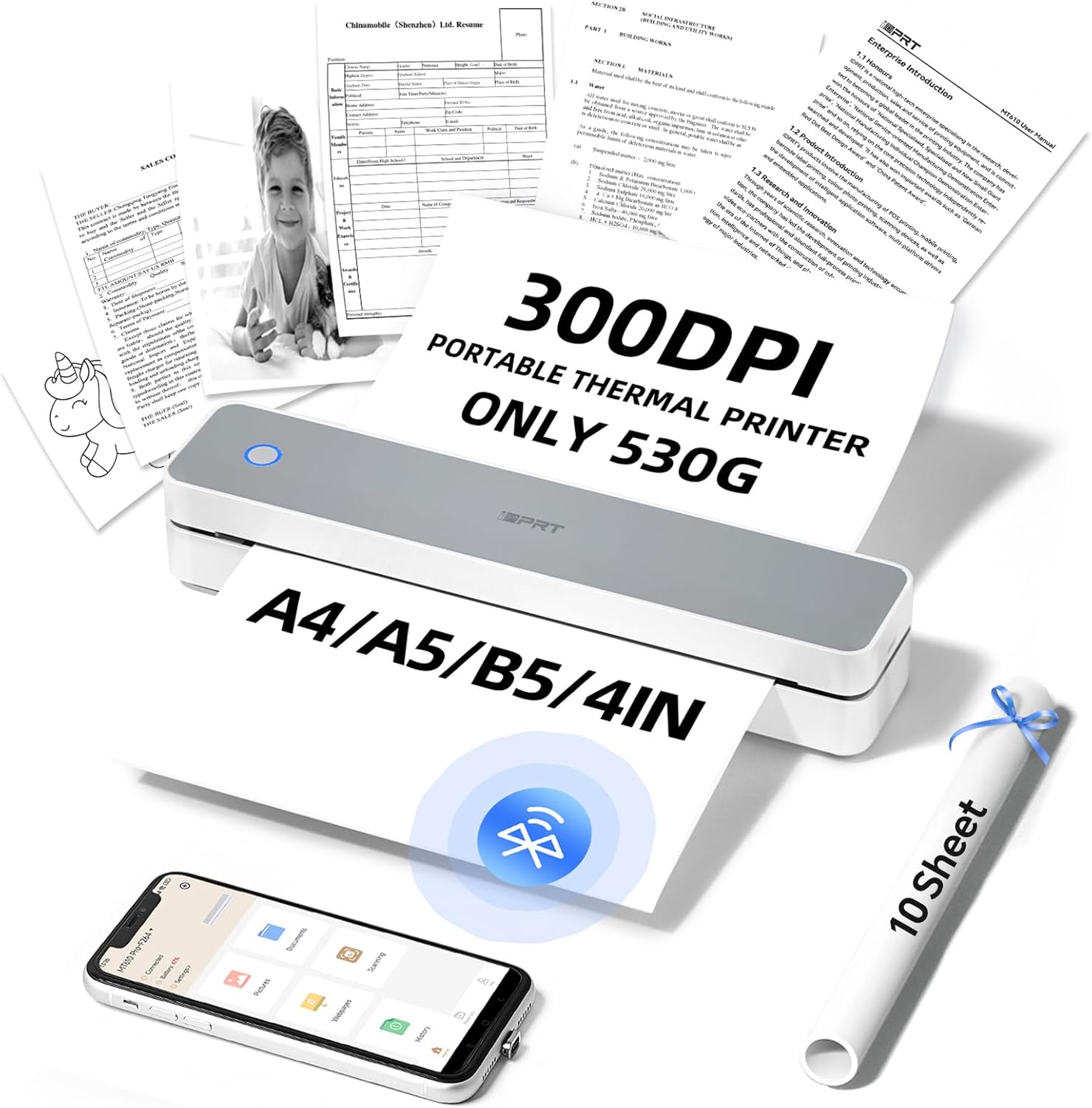
iDPRT MT610 Portable Thermal Printer for Travel, A4 Small Wireless Printer for Office, Homework, Study, Notes with 300DPI Density, Compatible with iOS, Android, Tablet & Laptop- White - Testmarket Special Deals
Check out our latest new arrivals now! See new arrivals
Enjoy free shipping on orders over $50. Start shopping
Get 15% off your first order today! Shop now
Deals Trends Proviews Blog
Company
Are you a Seller?
Login Sign up
iDPRT MT610 Portable Thermal Printer for Travel, A...

iDPRT MT610 Portable Thermal Printer for Travel, A4 Small Wireless Printer for Office, Homework, Study, Notes with 300DPI Density, Compatible with iOS, Android, Tablet & Laptop- White

£85.49 £119.99 29%
Chunjue Direct

Chunjue Direct

unverified seller
rating_star_full.svg rating_star_full.svg rating_star_full.svg rating_star_full.svg rating_star_half.svg
4.60
deal_rating_info
briefcase

Business Name: Xiamen Chunjue Trading Co., Ltd

location

Business Address: 火炬高新区软件园三期集美北大道1101号, 601室H单元, 厦门市, 集美区, 福建, 361022, CN

buildings

Business Size: Micro

Product Details
  • ADVANCED INKLESS TECHNOLOGY: The iDPRT MT610 portable thermal printer uses cutting-edge inkless technology for high-speed printing, producing A4 prints in just 4-6 seconds with 300DPI density.(Normal printer density has only 203DPI)
  • HIGH-QUALITY PRINTING & LONG-LASTING BATTERY: MT610 300DPI portable travel printer is equipped with 2000mAh batteries, it offers up to 4 hours of continuous printing and 360 sheets on a single charge.It can print contracts, receipts, photos, pictures, DIY, greeting cards, notes, to-do lists and more. (Note: prints on thermal paper only)
  • ULTRA-PORTABLE DESIGN: It is a good helper for your study and office anywhere. With only 498g and 26 x 5.6 x 4.6 cm body size, this lightweight, compact printer is ideal for travel and on-the-go use, fitting easily into backpacks or briefcases
  • VERSATILE COMPATIBILITY: Supports a wide range of devices including laptops (Mac, Windows, Linux), Chrome OS, and mobile phones, with the free "HerePrint" app offering extensive functions for creative printing
  • PHONE START PRINT: Step 1: Download APP "HerePrint"; Step 2: Turn on the MT610 and make a Bluetooth connection in the APP; Step 3: Click the "+" sign to complete the device connection and select the file type to start print
  • PC STARTS PRINTING: Step 1:Please download and install the MT610 driver from the iDPRT website; Step 2: Use the USB cable to connect the MT610 printer to your computer; Step 3: Select and open your document, and choose iDPRT MT610 Pro-xxx in the printer list
Promotions
Deals Promotions Deals Promotions Deals Promotions
Promote Your Deals

Coupons, and Products on our website now.

apply now
Deals Promotions Deals Promotions
Explore Products

Coupons, and Products on our website now.

apply now
go top icon

Cookies Policy

We use cookies to improve your browsing experience on our website. By continuing to use this site, you agree to our use of cookies.

Privacy Policy