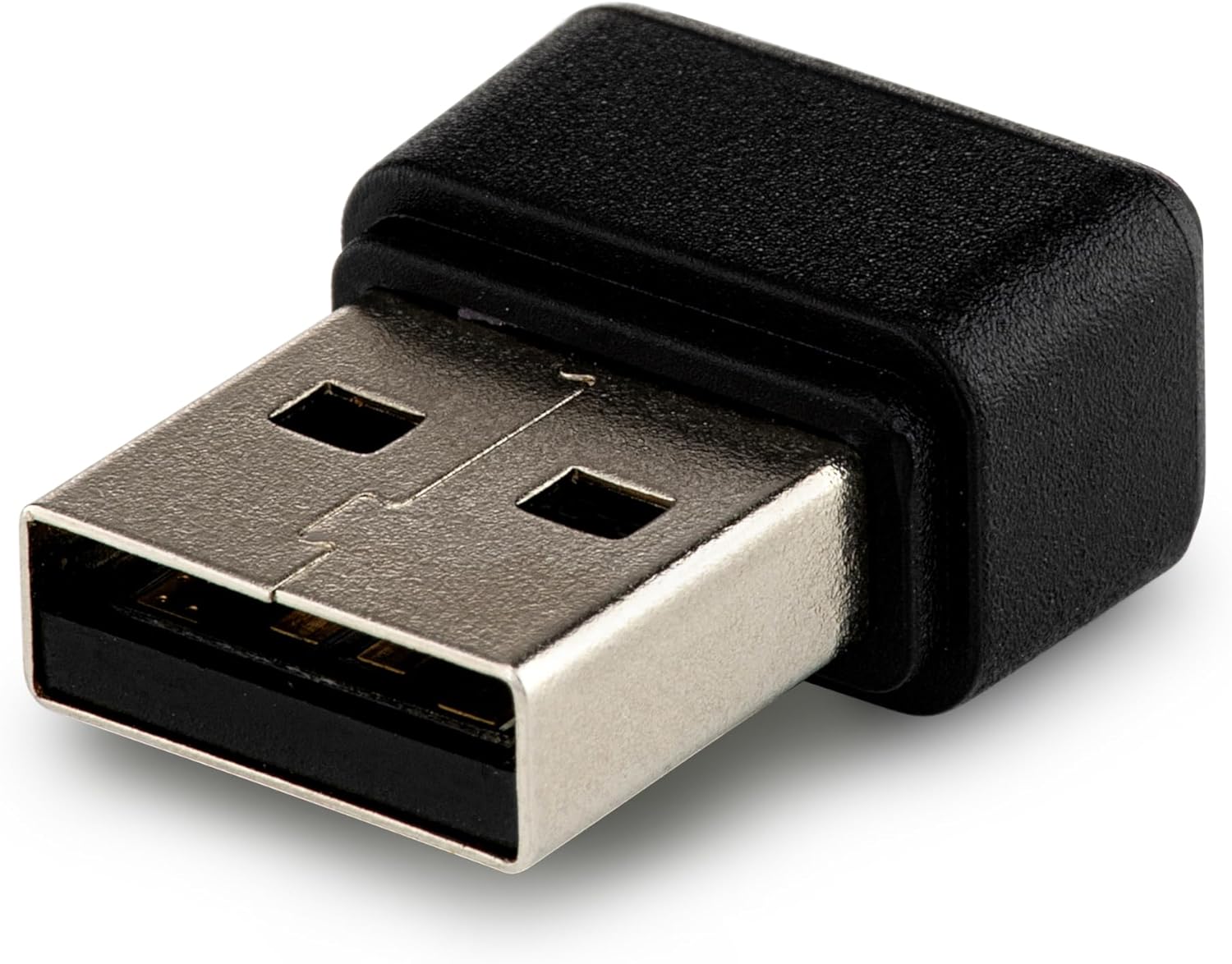
- HOW TO USE – Insert the fingerprint scanner into a USB.03 port. The device will automatically download the drivers required. Windows 11 - please copy and paste the following link into the search bar to download the driver for Windows 11. https://mega.nz/file/PtdX2I4Q#luKw-RMjsdn76rhfw8EDPOiAfMG56RoXSTVMU9XDoIo
- MULTI USER LOGIN - Fingerprint Scanner supports up to 10 finger print IDs so all your family members can enjoy fingerprint recognition and encryption, Ideal password key solution
- COMPACT DESIGN - Fingerprint lock sensor will ensure you do not forget your passwords as you can always have your USB fingerprint reader with you while on the move
- ADVANCED TECHNOLOGY - The USB fingerprint reader has an advanced encryption, it recognises encryption of Windows Login, Screen Saver Lock and File/Folder, secures your personal data without the need to remember complex password. You can even log in to websites by registering your fingerprint
- FOR WINDOWS 11: Please copy and paste the following link into the search bar to download the driver for Windows 11. https://mega.nz/file/PtdX2I4Q#luKw-RMjsdn76rhfw8EDPOiAfMG56RoXSTVMU9XDoIo