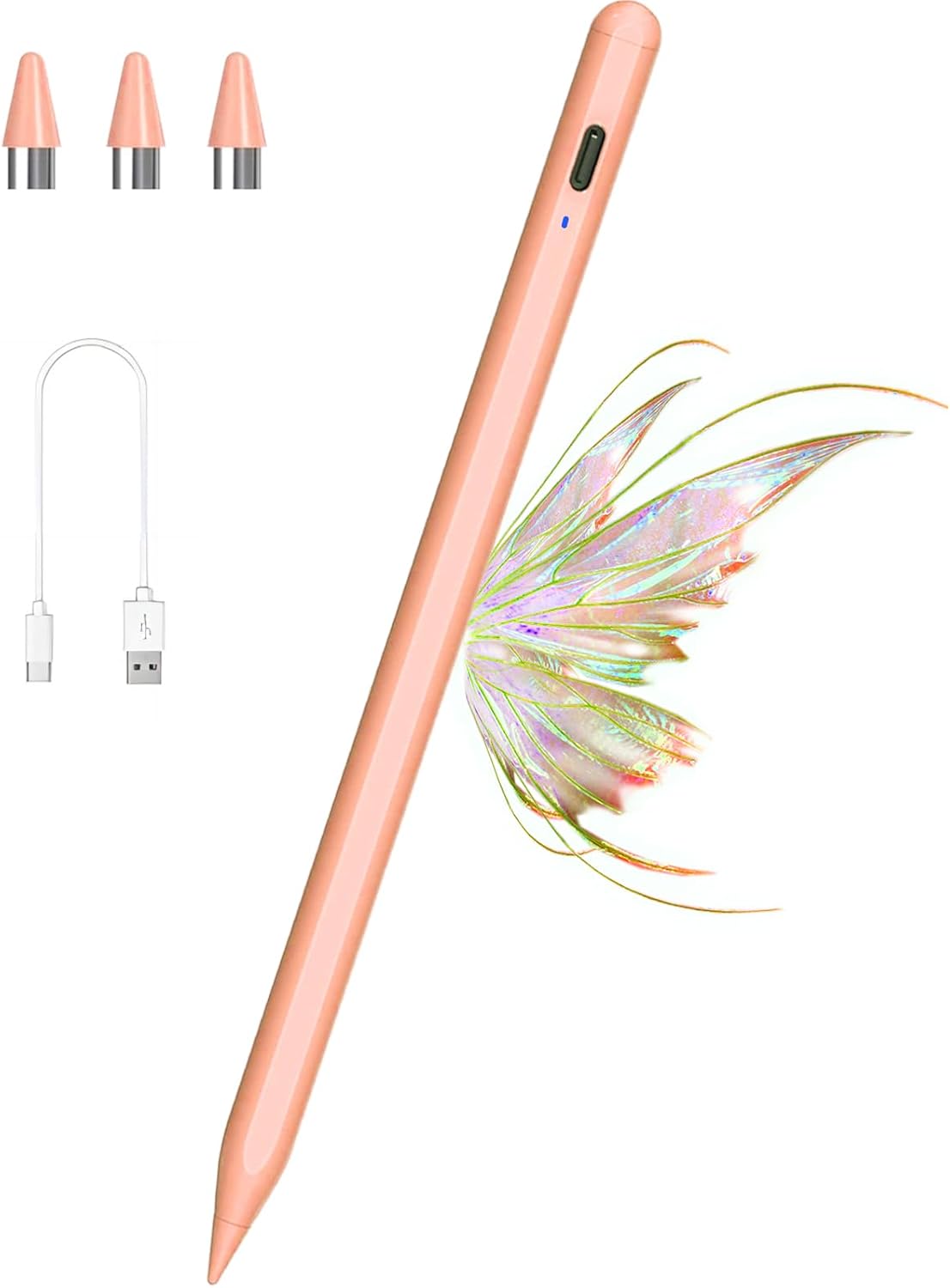
- 【Widely Compatible】 Our rechargeable ipad pencil are specially design for most touch screen. It is compatiable with most touch of model of apple iPad, Android Tablets, and also for iphone 6/6plus, iphone 7, 7plus, iPhone 8, iPhoneXr/ Xs, iPad/iPad 2, new iPad 3/4, iPad Pro, iPad/Mini 2/3/4 and other most popular tablets, smartphones. NOTE--NOT COMPATIBLE WITH: Microsoft/phones/tablets/ laptop, laptop ,Chromebook, hp envy, Samsung book, and other model not listed
- 【Quick Charging and Low Battery Warning】The Apple pen is charged with the latest type C fast charging cable, the charging input is 5V and is available in 60V. 80 minutes complete. Charged. The built-in battery of the tablet pen offers 18-20 hours of active use. The battery is low - the flashing red, you do not have to guess when the battery is empty. It can also be used as an original gift for your family/friends around you who like to be creative
- 【Easy to Use and Energy-Saving】Kenkor iPad stylus just duble tap the top of the stylist pen and ready to write or draw. No driver or Bluetooth setting required. The stylus pen for android is equipped with intelligent storage units, it automatically switches to "sleep mode" after 6 minutes idle to save power and avoid unnecessary battery consumption. Enjoy smooth writing or drawing, the best pen for artists, teachers and students etc
- 【Magnetic Design and High Precision】 The magnetic tablet stylus attached to the iPad, no more rolling and losing it, more portable and easier to hold. The iphone stylus provides high precision and accuracy when writing and drawing. 1.5 mm diameter especially for professionals who have more accuracy in Drawing and painting for Need your design work with the ipad pro pencil
- 【After-Sales Service】Our pencil for ipad support worry-free warranty, 30 days free return, 6 months replacement/refund for manufacturer defective items. If you have any problems after receiving the product, you can contact us. easy-to-reach customer service within 24 hours
- 【Warming Tip】①The stylus for ipad pen does not support palm rejection, hands do not touch the screen. ②If your phone or tablet was ever used with Apple Pencil through Bluetooth connection which prevents any other stylus pen from working with the touch screen, please forget the Apple Pencil on the Bluetooth and turn off the Bluetooth