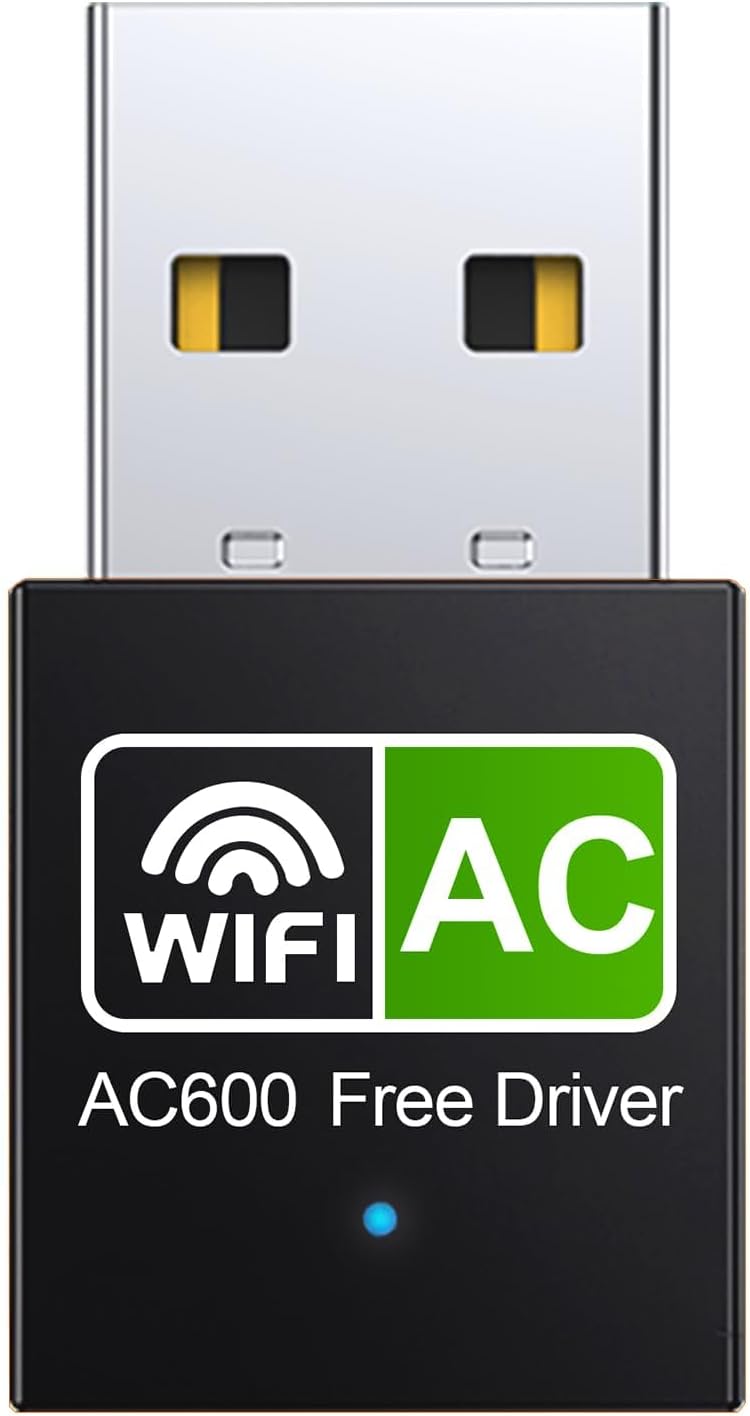
USB WiFi Adapter for Desktop PC 600Mbps Dual Band 2.4G 5.8G Wireless WiFi Adapter for Laptop Desktop PC, Wireless Network Adapter Support Windows 11/10/8/7/Xp, USB WiFi Dongle for PC Deep Black - Testmarket Special Deals
Deals Trends Proviews Blog
Company
Are you a Seller?
Login Sign up
USB WiFi Adapter for Desktop PC 600Mbps Dual Band...

USB WiFi Adapter for Desktop PC 600Mbps Dual Band 2.4G 5.8G Wireless WiFi Adapter for Laptop Desktop PC, Wireless Network Adapter Support Windows 11/10/8/7/Xp, USB WiFi Dongle for PC Deep Black

$10.99 $15.59 30%
junhongsheng

junhongsheng

danger
briefcase

Business Name: Shenzhen Jun Hong Sheng electronic Technology Co.,

location

Business Address: 龙华区龙华街道清湖社区雪岗北路恒博利荣丰产业园A座9层9315, 深圳市, 广东省, 518000, CN

buildings

Business Size: Micro

Product Details
  • DOES NOT WORK WITH A MAC OS
  • Dual Band usb wifi adapter : 5.8GHz up to 600Mbps and 2.4GHz up to 150Mbps, perfect for movies, HD video streaming, online gaming and video chatting. internet speeds with Flimjibg's 600M Dual Band pc wifi adapter for smoother browsing, downloads, and streaming on your laptop or desktop.
  • Reduce Interference wireless usb wifi adapter for pc: The networks adapter Support AP Mode IEEE 802.11ac technology for faster speeds and reduced interference, ensuring no accidental dropouts or signal loss. Get the latest in connectivity with the wifi usb adapter built to meet the IEEE 802.11g protocol for ultra-fast data transfer rates.
  • Driver-Free wifi usb adapter for pc: Built-in driver software, plug wifi card for pc into the USB port of your PC, the driver will be read automatically, click once to let it run and it will complete the installation automatically. No need CD or download the driver online. Very convenient.
  • MiNi Design wireless wifi adapter for pc: designed to be lightweight and compact in size to allow you to take it anywhere. a tiny way to get speedy next generation connections can help you connect even when signals are weak.
  • If our device cannot be recognised, please uninstall the previously installed driver for the wireless card, restart your computer and then plug in our device again to try to run it. If after the above steps, our device still cannot be recognised, please contact customer service to provide you with a solution.
Promotions
Deals Promotions Deals Promotions Deals Promotions
Promote Your Deals

Coupons, and Products on our website now.

apply now
Deals Promotions Deals Promotions
Explore Products

Coupons, and Products on our website now.

apply now
go top icon

Cookies Policy

We use cookies to improve your browsing experience on our website. By continuing to use this site, you agree to our use of cookies.

Privacy Policy